Introduction
A high-quality photography portfolio website is more than just a gallery — it’s your most important marketing tool. It should showcase your work beautifully, load fast, and make it easy for clients to contact you or view their images.
In this guide, you’ll learn how to build an online photography portfolio — with a focus on performance, simplicity, and scalability using a photography-focused CMS.
1. Choose the Right Platform
The first step in creating a photography portfolio website is selecting the platform that fits your needs.
There are generally three options:
Hosted Platforms
These are easy to set up but often come with limitations:
- Limited customization
- Branding you can’t fully control
- Monthly fees
General CMS (e.g., WordPress)
More flexible, but:
- Require plugins for galleries
- Can become slow with large photo collections
- Need ongoing maintenance
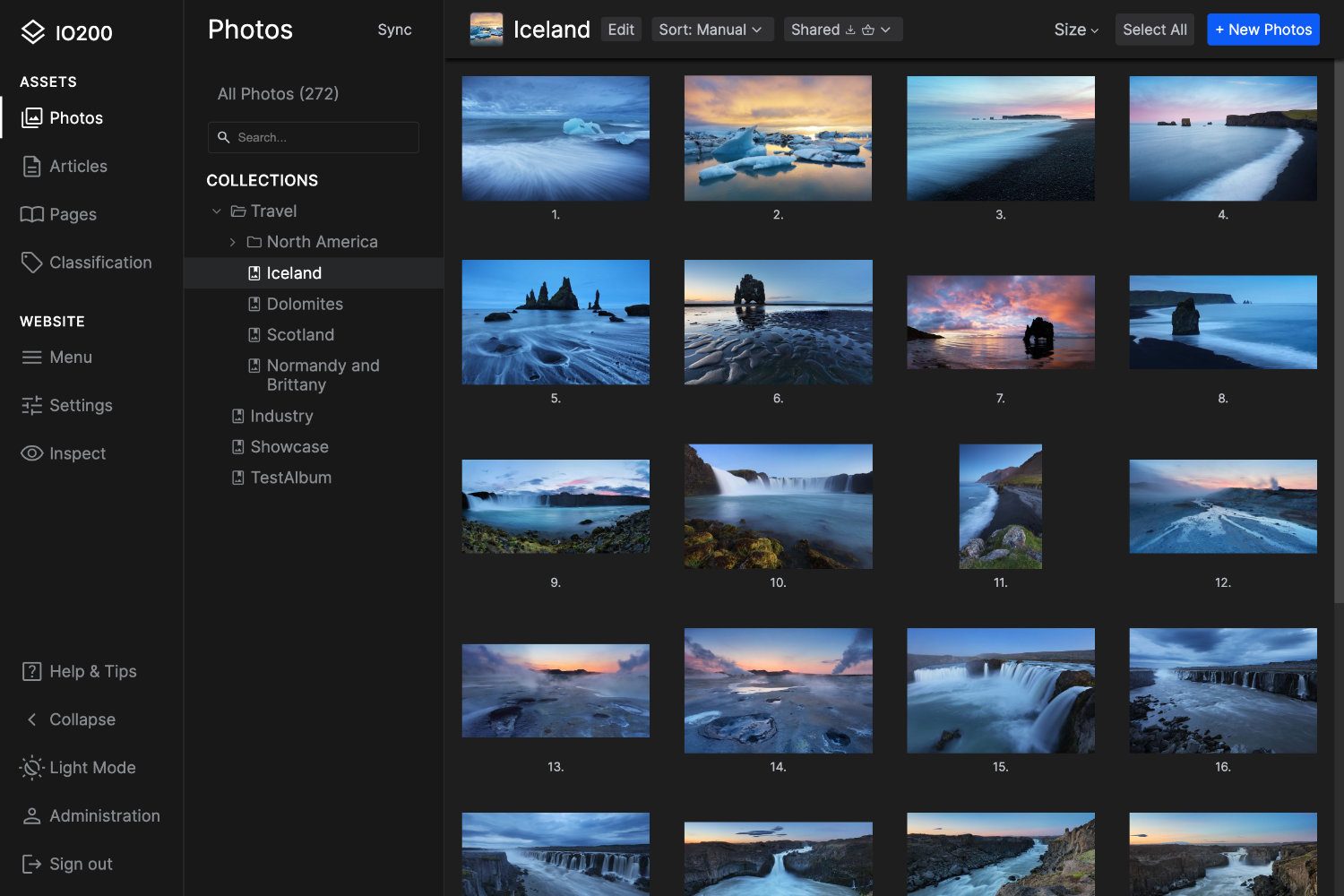
Photography-Focused CMS (Recommended)
A specialized solution designed for photographers offers:
- Optimized image handling
- Built-in client galleries
- Better performance for large portfolios
Some platforms are self-hosted, meaning you run them on your own web hosting — but with modern CMS tools, setup is as simple as uploading a single installer file and following a guided setup in your browser.
If you're looking for a system built specifically for photographers, you can explore a powerful solution here:
IO200 Photo CMS IO200 Product Overview Photography Portfolio CMS
2. Structure Your Portfolio for Maximum Impact
A successful photography portfolio website is curated — not cluttered.
Keep the structure simple
- Homepage → Strong visual entry
- Portfolio → Organized by category
- About → Build trust
- Contact→ Convert visitors
Curate your work
- Show only your best images
- 20–40 images per category is enough
- Keep style consistent
Guide the viewer
- Start with your strongest images
- Tell a visual story within each gallery
- Avoid overwhelming visitors
3. Optimize Your Images (Without Losing Quality)
Speed is critical. A slow site will cost you visitors and rankings.
What most photographers struggle with:
- Uploading images that are too large
- Manual resizing and compression
- Inconsistent quality
How a photography CMS solves this:
Instead of manually preparing every image, a photography-focused CMS can:
- Automatically resize images for web
- Optimize file sizes for fast loading
- Deliver images in modern formats
- Maintain high visual quality
This means you can focus on photography — not technical image processing.
4. Design for a Clean, Professional Look
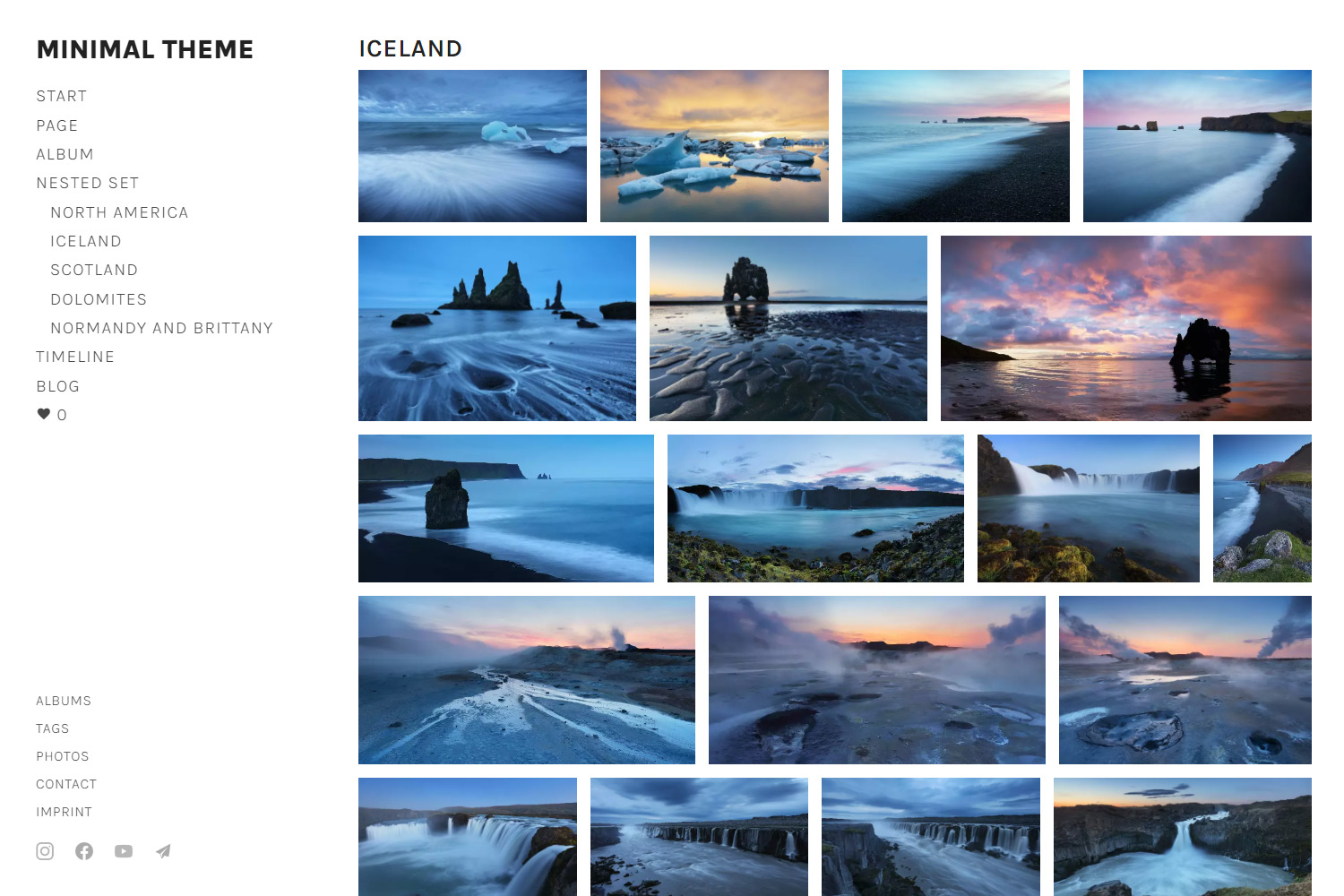
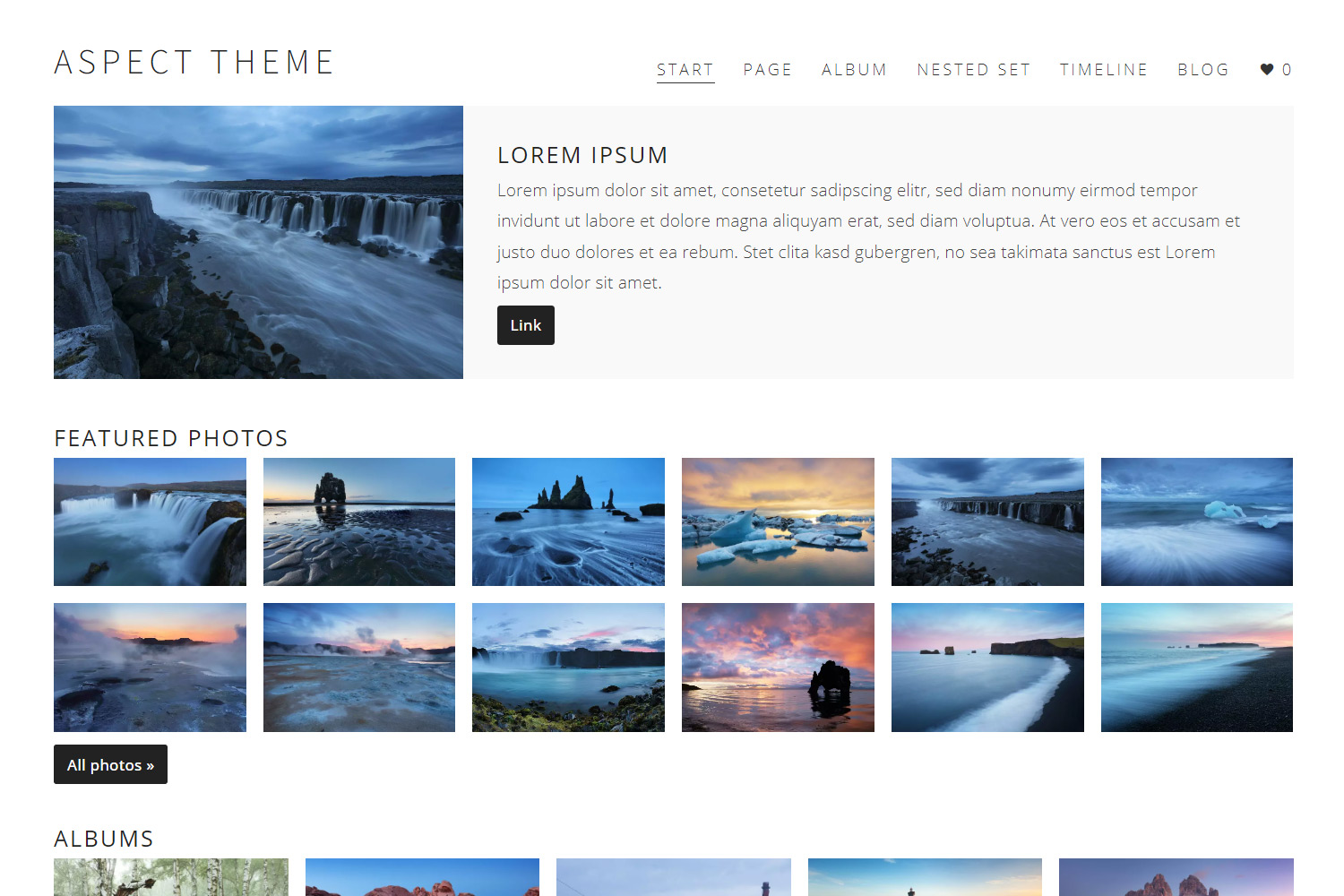
Your online photography portfolio should highlight your work — not distract from it.
Best practices:
- Use a minimal design
- Focus on images
- Consistent spacing and typography
- Mobile-first design
Many generic website builders add unnecessary design complexity. A photography-focused CMS keeps things simple by default — so your work stands out.
5. Add Features That Actually Matter
A portfolio website isn’t just for display — it should support your business.
Essential features:
- Client galleries → Deliver photos professionally
- Contact forms → Capture inquiries
- Fast loading → Improve user experience
- SEO structure → Help you get found
With a specialized CMS, these features are integrated — no need for plugins or third-party tools.
See how this works in practice: Photography Portfolio CMS
6. Scale as Your Portfolio Grows
As your photography business grows, your website should grow with it.
Common problems with generic platforms:
- Slower performance with large galleries
- Increasing maintenance
- More complexity over time
A photography CMS is designed to handle:
- Large image libraries
- Multiple galleries
- Long-term scalability
Final Thoughts: Build Once, Focus on Photography
Creating a professional photography portfolio website doesn’t have to be complicated.
If you choose the right tools from the beginning, you can:
- Launch faster
- Spend less time on technical setup
- Deliver a better experience to clients
- Maintain a high-performance online photography portfolio
If you want a system built specifically for photographers, explore:
IO200 Photo CMS IO200 Product Overview Photography Portfolio CMS